> ## Documentation Index
> Fetch the complete documentation index at: https://help.pixwel.com/llms.txt
> Use this file to discover all available pages before exploring further.
# Profile
> Your account identity in Pixwel — two-factor authentication, name, email, and territory.
The **Profile** tab in [Preferences](/features/preferences/overview) shows your account identity.
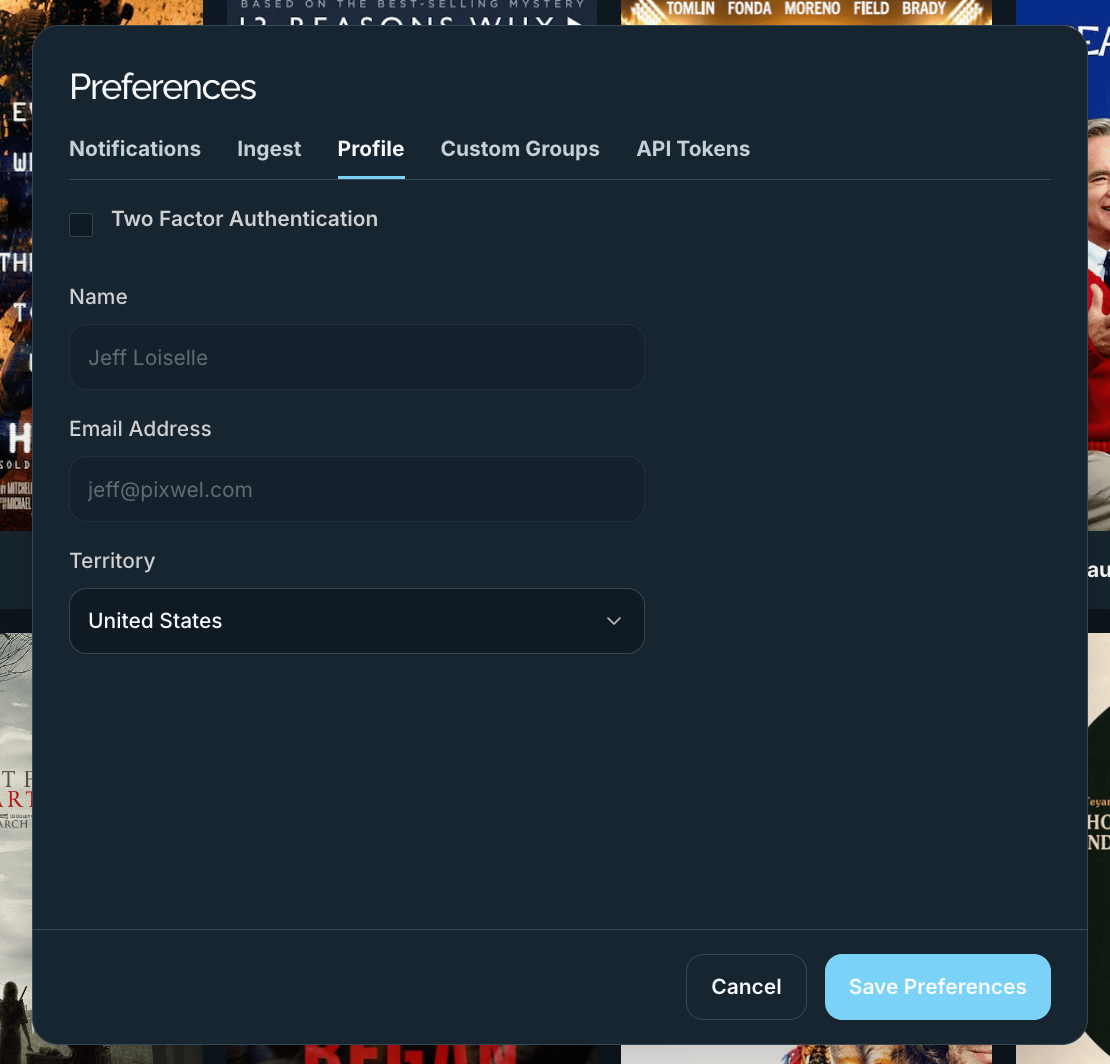 | Field | Notes |
| ----------------------------- | ------------------------------------------------------------------------------------------------------------------------- |
| **Two Factor Authentication** | Toggle [2FA](/glossary) on your account. If your organization or studio enforces 2FA, this is locked on and shows a note. |
| **Name** | Your display name — read-only here. |
| **Email Address** | Your login email — read-only here. |
| **Territory** | The [territory](/features/admin/territories) you're associated with. |
Name and email are managed by an administrator on the [Users](/features/admin/users) tab, so they're shown here for reference but can't be edited from Preferences.
| Field | Notes |
| ----------------------------- | ------------------------------------------------------------------------------------------------------------------------- |
| **Two Factor Authentication** | Toggle [2FA](/glossary) on your account. If your organization or studio enforces 2FA, this is locked on and shows a note. |
| **Name** | Your display name — read-only here. |
| **Email Address** | Your login email — read-only here. |
| **Territory** | The [territory](/features/admin/territories) you're associated with. |
Name and email are managed by an administrator on the [Users](/features/admin/users) tab, so they're shown here for reference but can't be edited from Preferences.