> ## Documentation Index
> Fetch the complete documentation index at: https://help.pixwel.com/llms.txt
> Use this file to discover all available pages before exploring further.
# Assets
> What an asset is — a single piece of creative within a project — and the types, media, files, previews, and transcription it carries.
An **asset** is a single piece of creative within a [project](/features/projects/overview) — "the US trailer", "the international teaser", "the key art". Each asset belongs to exactly one project.
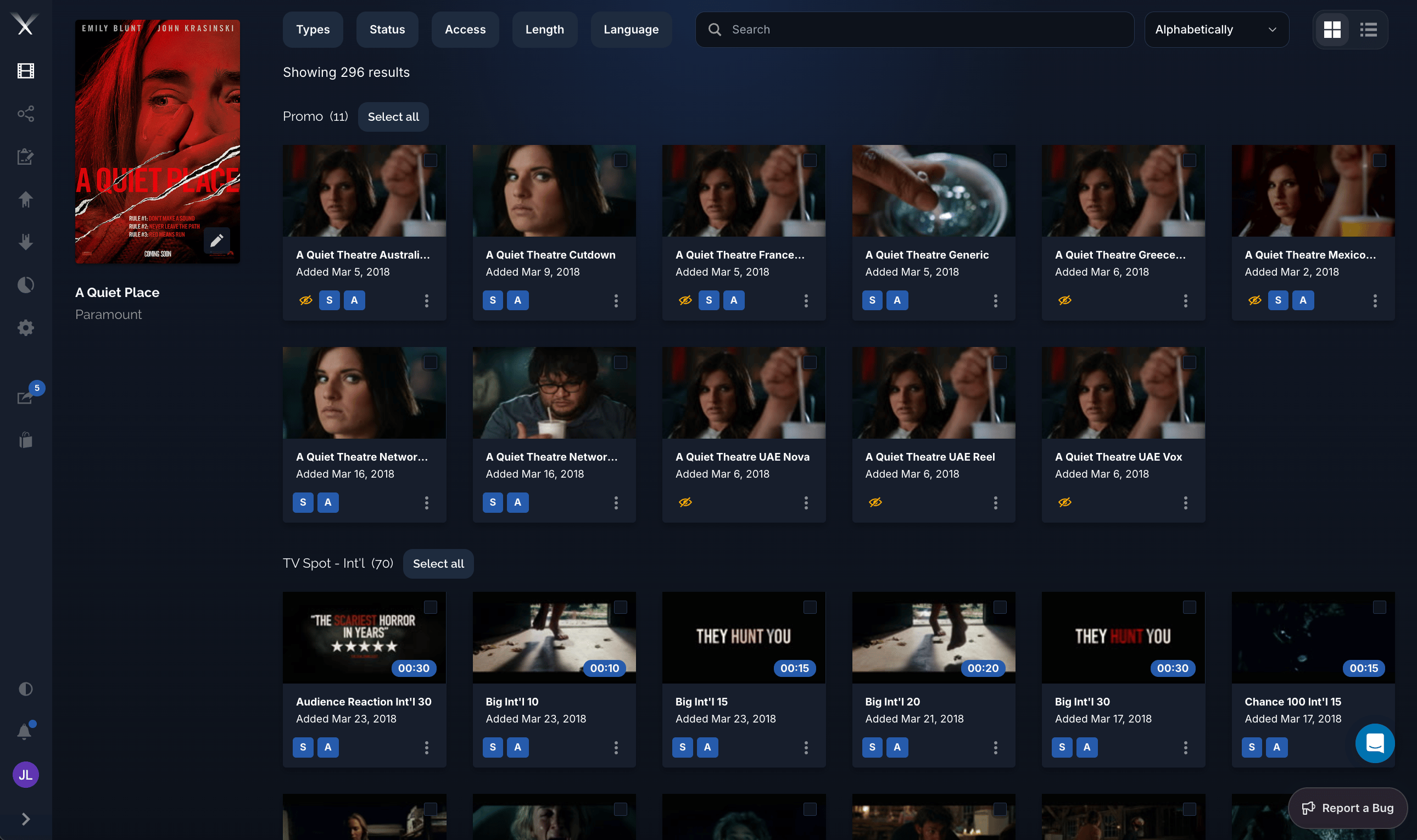 Every asset has:
* A **type** (its [asset type](/glossary), such as a trailer or TV spot)
* A **media type** — one of `video`, `image`, `document`, or `audio`
* Many **[files](/features/projects/files)** — the actual deliverable versions of the asset
* **Previews** — lightweight, web-playable renditions used for review inside the app
* A **transcription** — the original-version (OV) text plus links to the script, dialogue, and graphics subtitle files, which translation memories build on
**Previews vs. files.** A preview is a low-resolution version for viewing inside Pixwel. A [file](/features/projects/files) is the full-resolution deliverable that gets downloaded and distributed. Don't confuse the two — reviewing a preview is not the same as having the delivered file.
Every asset has:
* A **type** (its [asset type](/glossary), such as a trailer or TV spot)
* A **media type** — one of `video`, `image`, `document`, or `audio`
* Many **[files](/features/projects/files)** — the actual deliverable versions of the asset
* **Previews** — lightweight, web-playable renditions used for review inside the app
* A **transcription** — the original-version (OV) text plus links to the script, dialogue, and graphics subtitle files, which translation memories build on
**Previews vs. files.** A preview is a low-resolution version for viewing inside Pixwel. A [file](/features/projects/files) is the full-resolution deliverable that gets downloaded and distributed. Don't confuse the two — reviewing a preview is not the same as having the delivered file.