

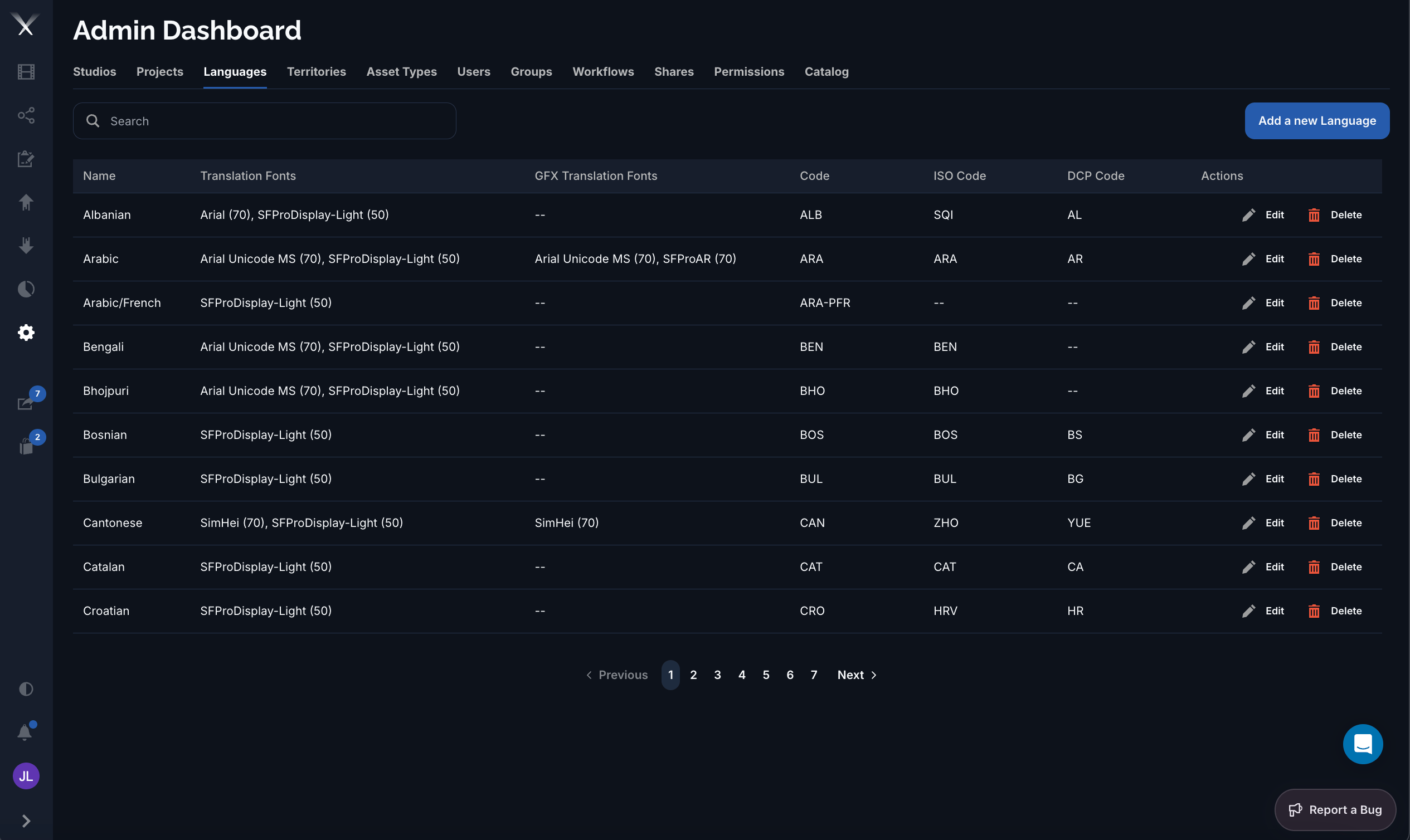
The Languages tab: each language lists its translation fonts, codes, and per-row Edit and Delete actions.
Columns
Editing a language
The language form has two tabs:- Details — the Name and the three codes (Code, ISO Code, DCP Code).
- Translations — the Translation Fonts (subtitles) and GFX Translation Fonts (graphics). Each font row sets a face, a size in points, and an optional studio, so a studio can override the default font for a language. Subtitle fonts can toggle an outline; GFX fonts choose a weight (Regular or Bold).
Combined codes such as
ARA-PFR (Arabic/French) represent dual-language deliverables. Some of these have no GFX font or DCP code, which is expected.