The Projects tab on the Admin Dashboard manages the projects that live under each studio. For the day-to-day, user-facing view of projects, assets, and files, see Projects; this page covers the administrative tab.
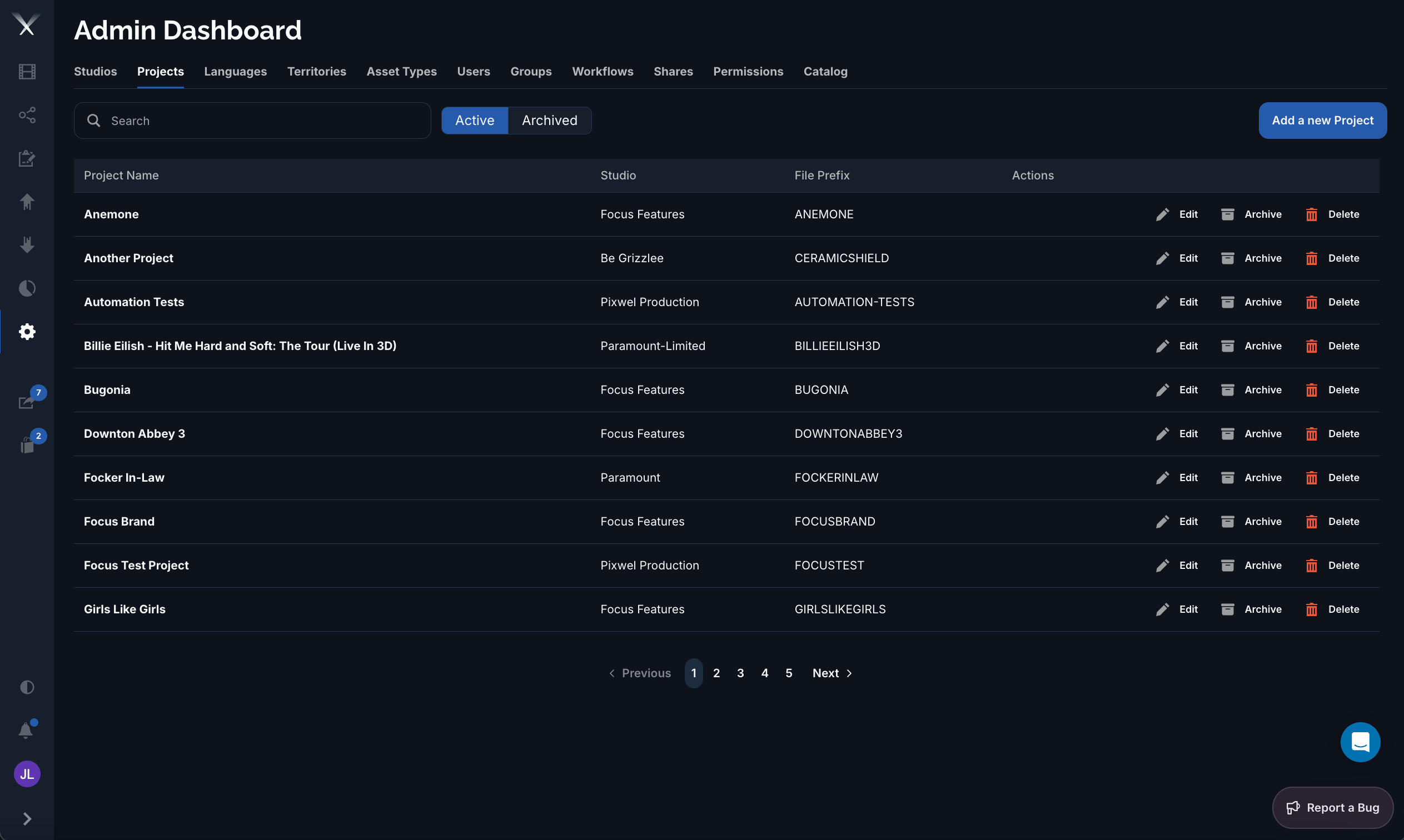
The Admin Dashboard Projects tab listing projects with studio and file prefix

The Projects tab: each project shows its studio and file prefix, with an Active/Archived toggle and per-row Edit, Archive, and Delete actions.

It lists every project with its Studio and File Prefix, and lets you toggle between Active and Archived projects. Each row offers Edit, Archive, and Delete.

Columns

Archiving

Archiving a project hides it from active lists without deleting it, so its assets and history are preserved but out of the way. Archived projects can be browsed under the Archived filter and restored later. Use the Active / Archived toggle to switch which set the list shows.