

Assets
The individual pieces of creative within a project.
Files
The real, downloadable deliverables of an asset.
Scripts
The source-language text that localization is built from.
Project
A project represents one campaign — typically a single film — and is owned by a studio. It’s the container everything else lives in.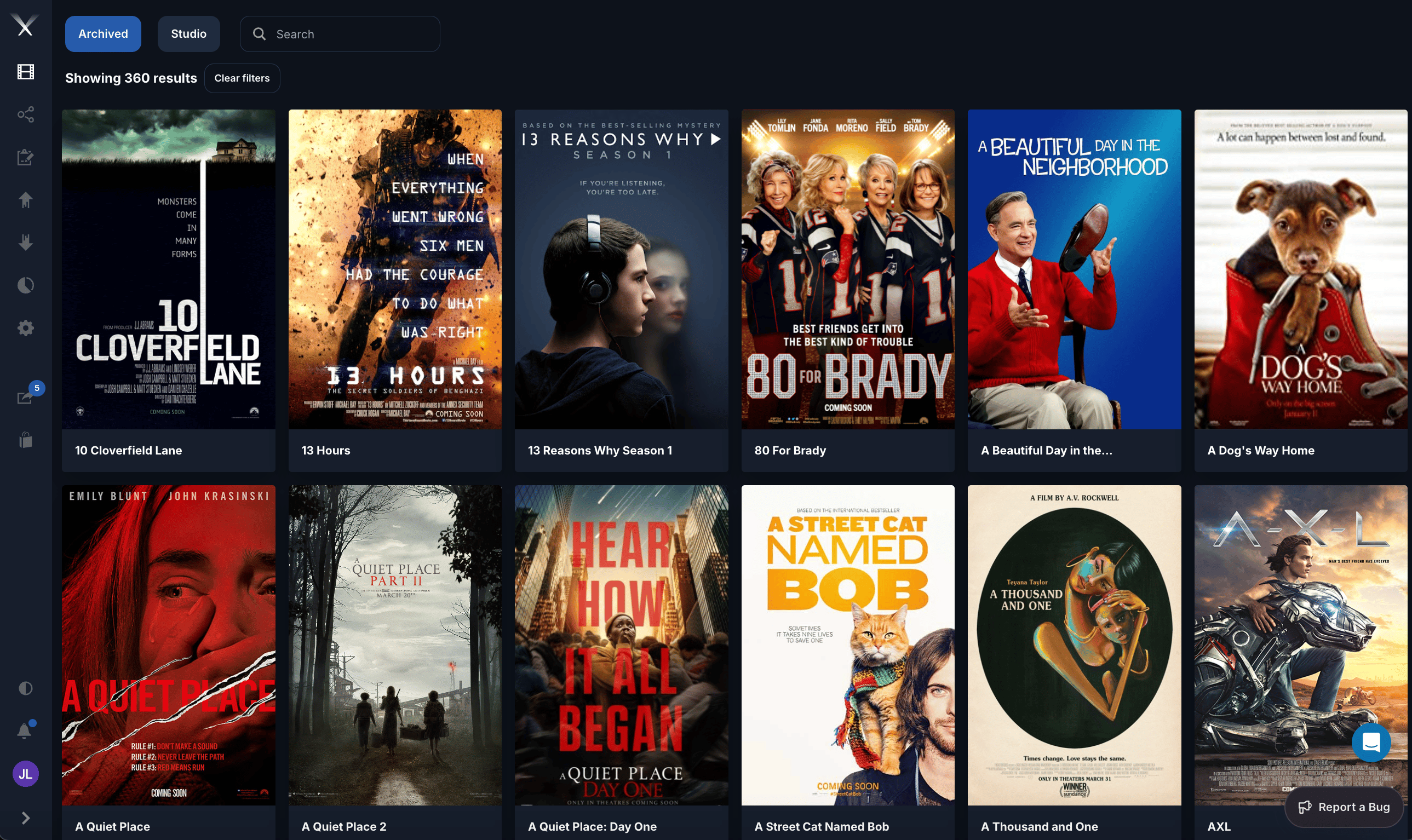
The projects grid — each tile is one project, shown with its logo (key art).
- Many assets (the trailers, TV spots, posters, and other media for the campaign)
- A logo file (the project’s poster or key art)
- Occasionally, loose files attached directly to the project rather than to an asset
How they relate
The shape to remember: one project, many assets; one asset, many files — and each file is a specific localized or encoded version of its asset.
This page describes the concepts.