

transcription, and they’re what translations and subtitler work are built from. Localize a script and you get the subtitles, dubbing scripts, and graphics text for each language.
There are a few distinct kinds:
These scripts map directly to the DNG (dialogue, narration, graphics) categories used when ordering localization. Dialogue and narration work draws on the dialogue SRT; graphics work draws on the graphics SRT (or AutoGfx).
Downloading scripts
On the asset page, open the ⋮ (overflow) menu at the top-right of the files list to download the asset’s scripts directly — Download SRT Transcription, Download Graphics SRT Transcription, and Download Continuity Script. The scripts follow the language and version selected at the top of the page.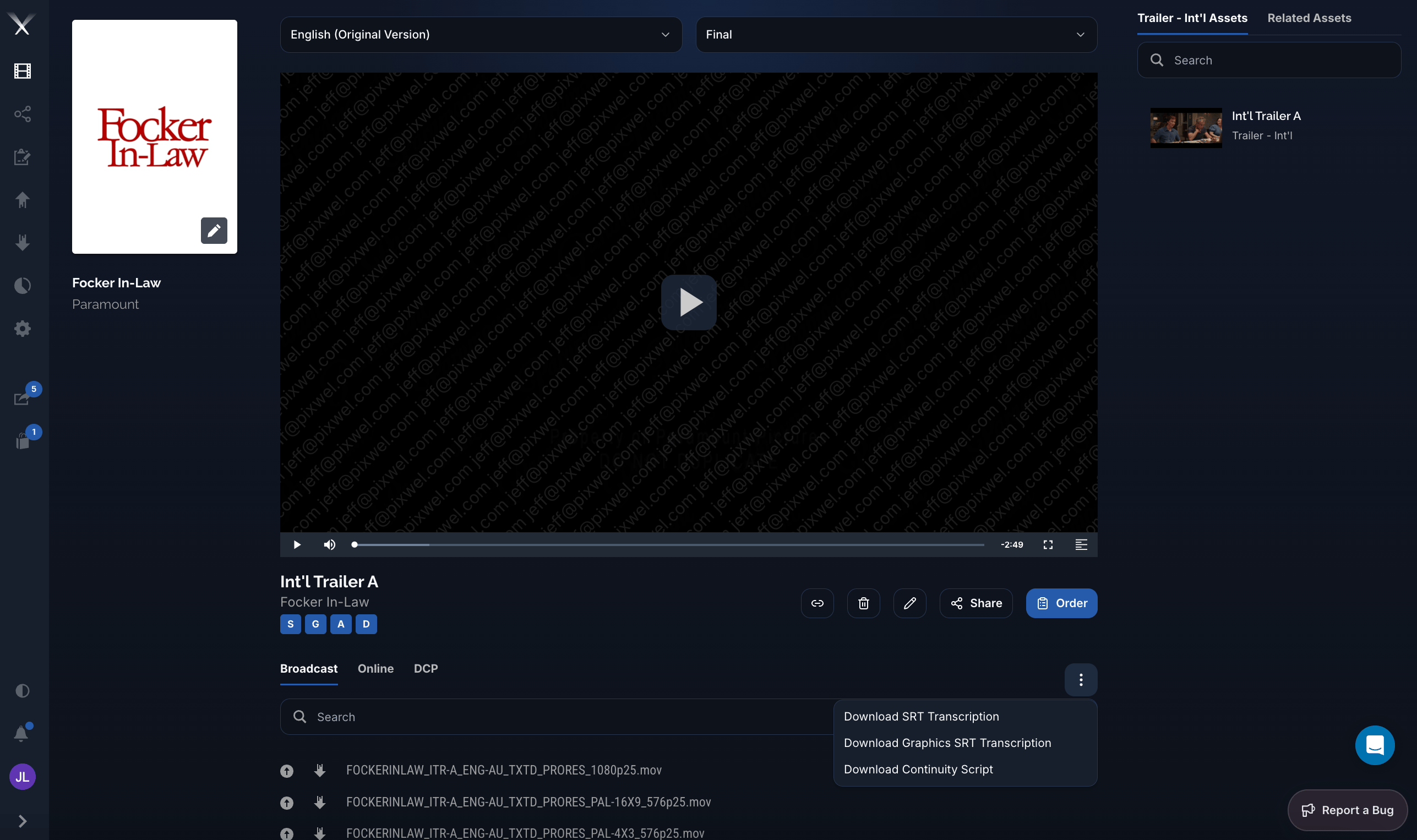
The asset page overflow menu, with options to download the SRT transcription, graphics SRT transcription, and continuity script.