

What types of scripts are available
A translated
.ass script format also exists, but it’s limited to translated scripts and is only produced through a submitted subtitled work order.
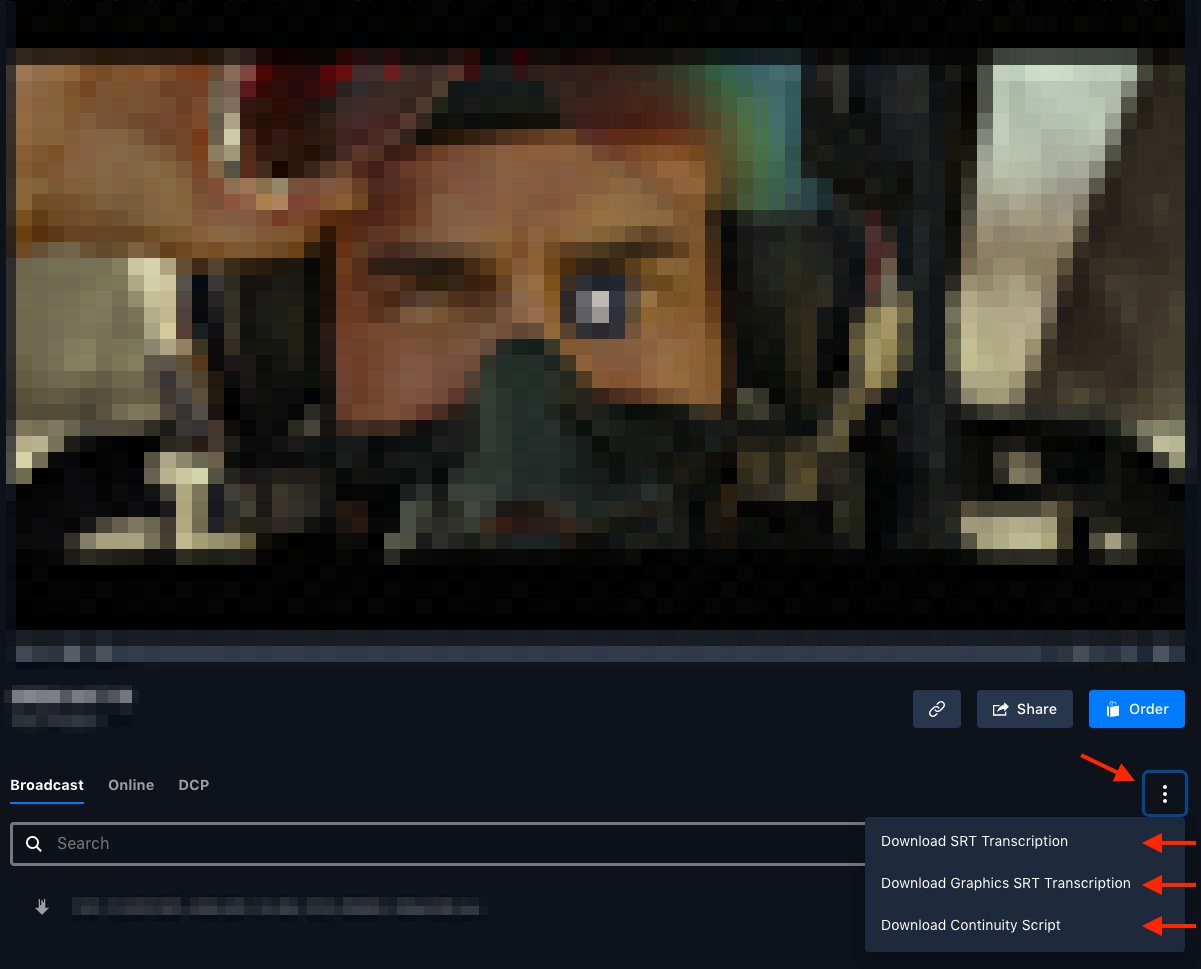
The script types available from an asset's download menu.
How to download a script
1
Open the asset
Find the spot (asset) you need and open it in asset view.
2
Open the overflow menu
Click the vertical ellipsis menu (⋮) beneath the asset’s preview window.
3
Choose the file
Pick the script type(s) you want from the dropdown — SRT, Graphics SRT, continuity script, or music cue sheet.
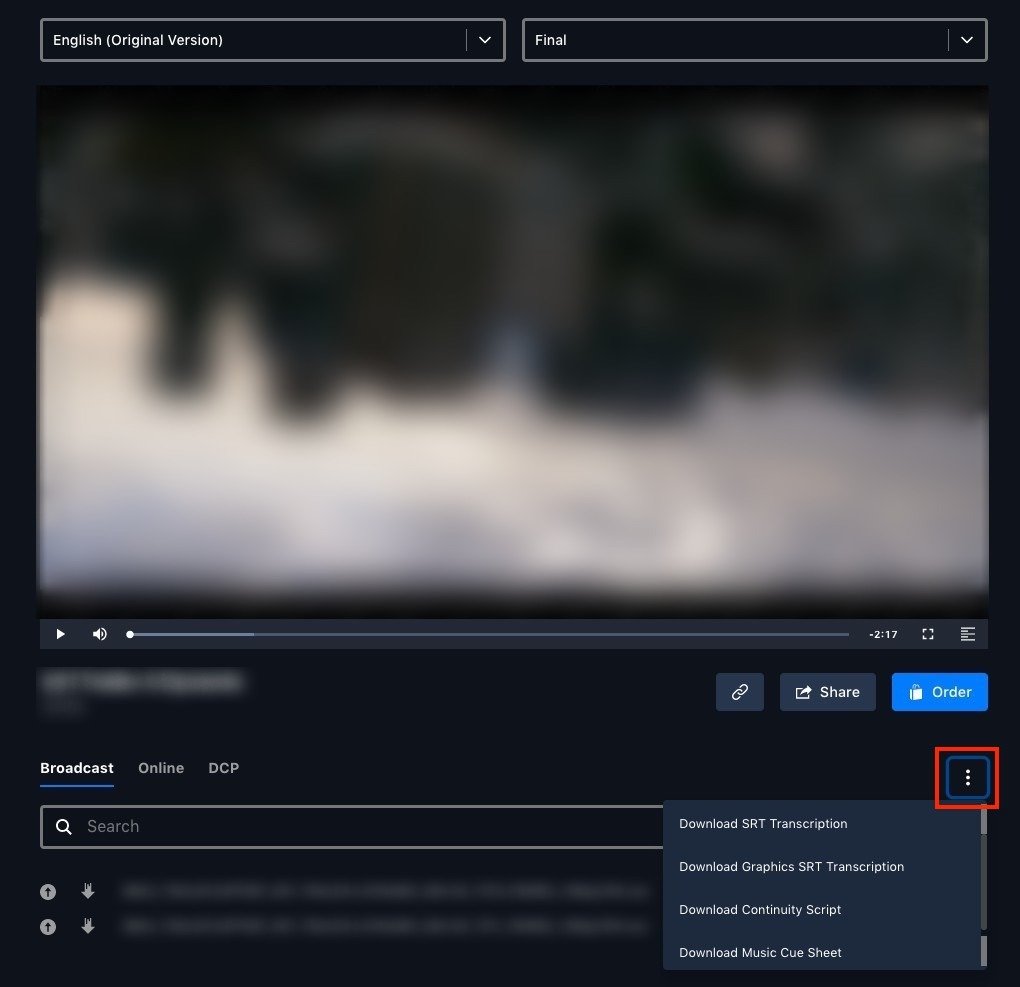
The vertical ellipsis (⋮) menu beneath the asset's preview window.
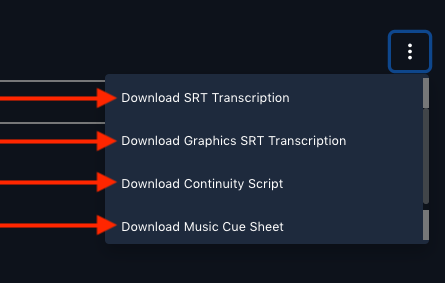
Choosing a script type from the dropdown — SRT, Graphics SRT, continuity script, or music cue sheet.
When are scripts available
Scripts are generated automatically after an asset is uploaded:.srtfiles — roughly four to six hours after upload.- Continuity scripts — up to 12 hours after upload, depending on complexity.