

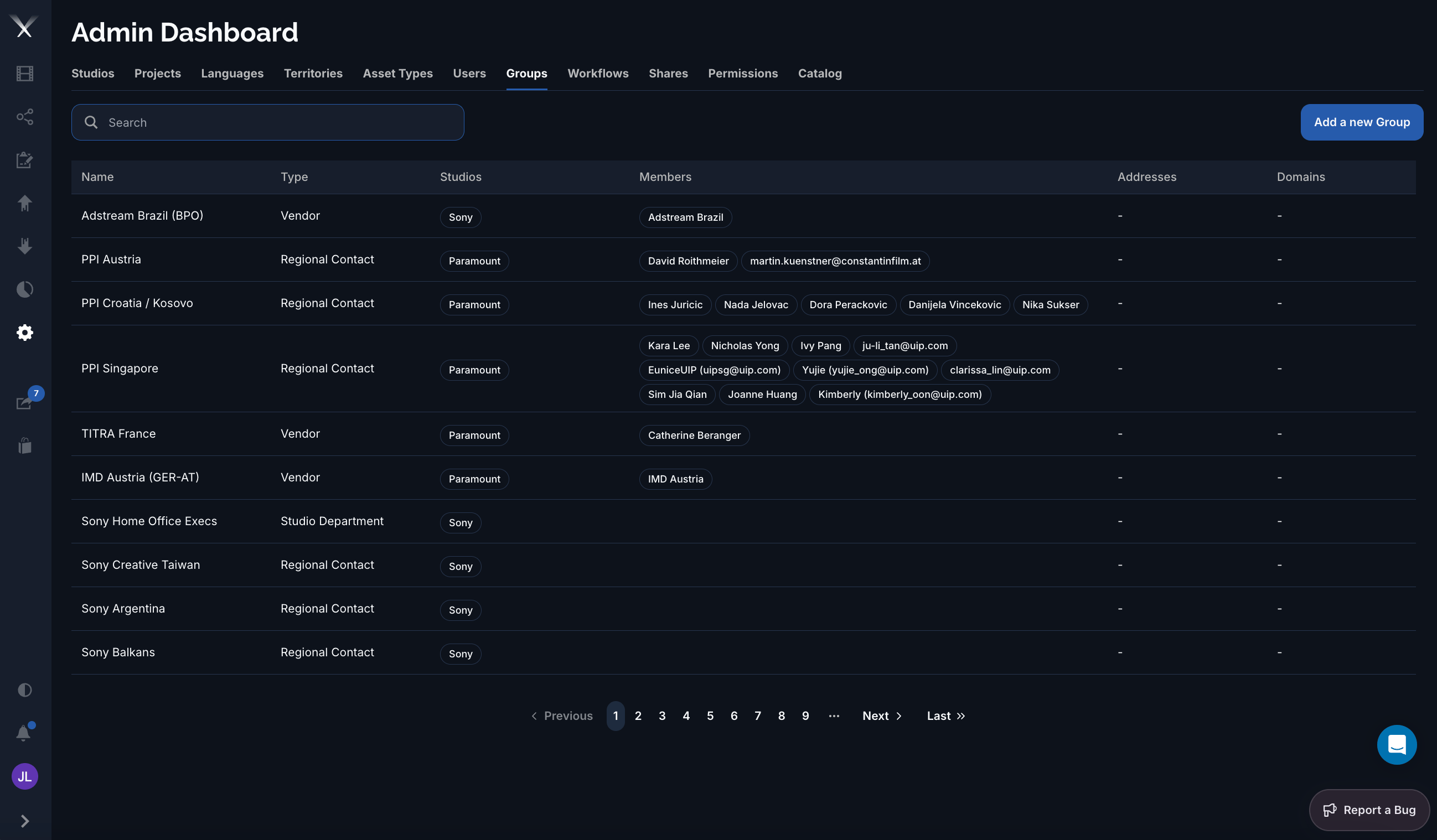
The Groups tab: each group has a type, the studios it covers, and its members (shown as a name, or an email for members not yet registered).
Columns
Group types
Editing a group
The group form is organized into tabs:- General — Name, Type, the Studios the group covers, its Members, and any Domains for auto-assignment.
- Addresses — one or more mailing addresses (name, address, city, state, postal code, country).
- Billing — billing rates per work section (graphics, narration, scripts, dubbing), as length-based or flat rates.
Group type sets a sensible default set of capabilities, but the actual access is governed by the Permissions tab, where grants are scoped by studio, project, territory, language, and usage.