

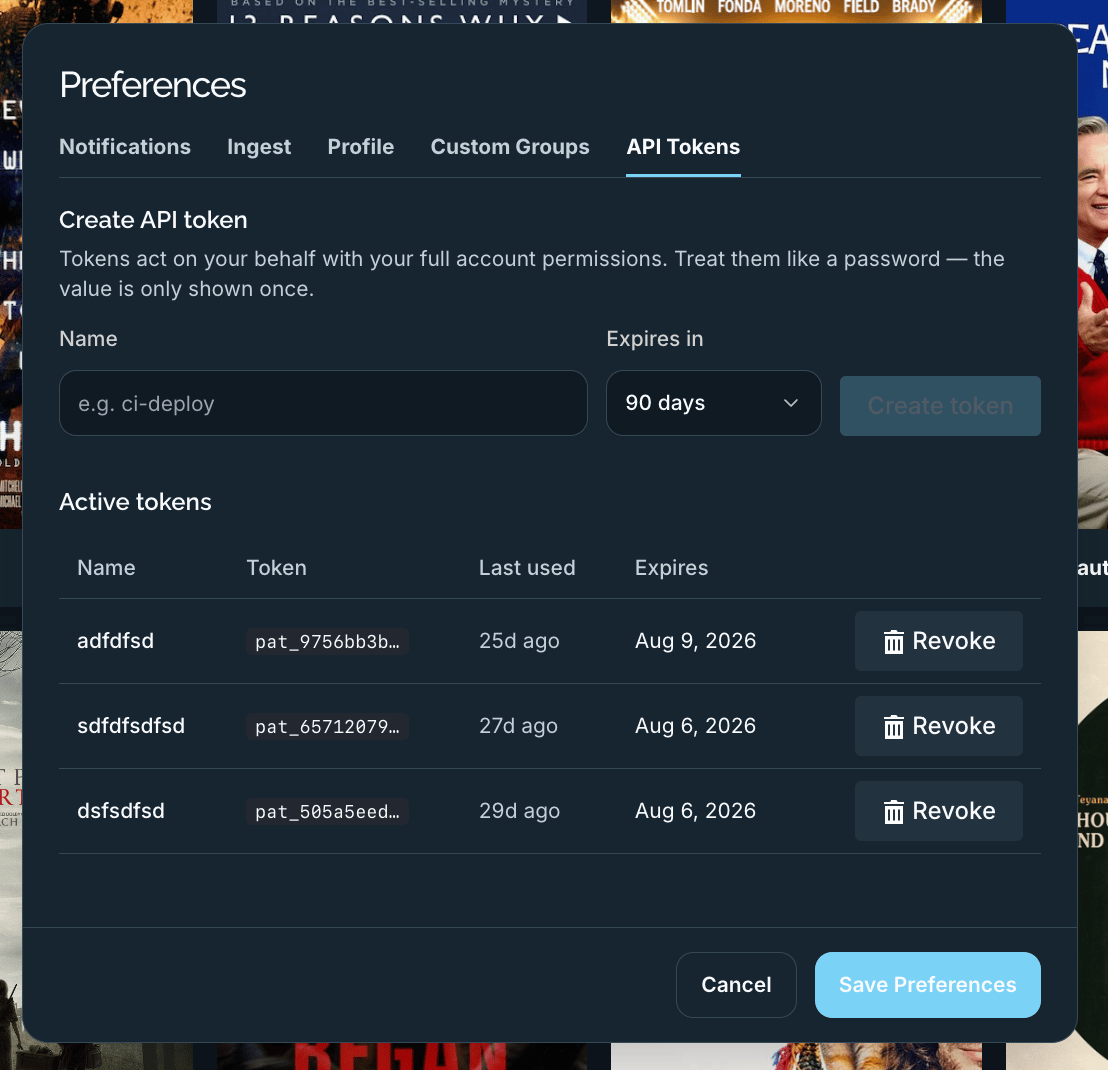
The API Tokens tab: create a token, then manage active tokens.
Creating a token
- Enter a Name that describes where it’s used (for example
ci-deploy). - Choose an Expires in period — 30, 60, 90, 180, or 365 days.
- Click Create token.
Authorization: Bearer … header. Copy it immediately and store it somewhere safe — you won’t be able to see it again.
Managing active tokens
The Active tokens table lists your existing tokens:
Revoke disables a token immediately. Revoke any token that’s no longer needed or may have been exposed.