

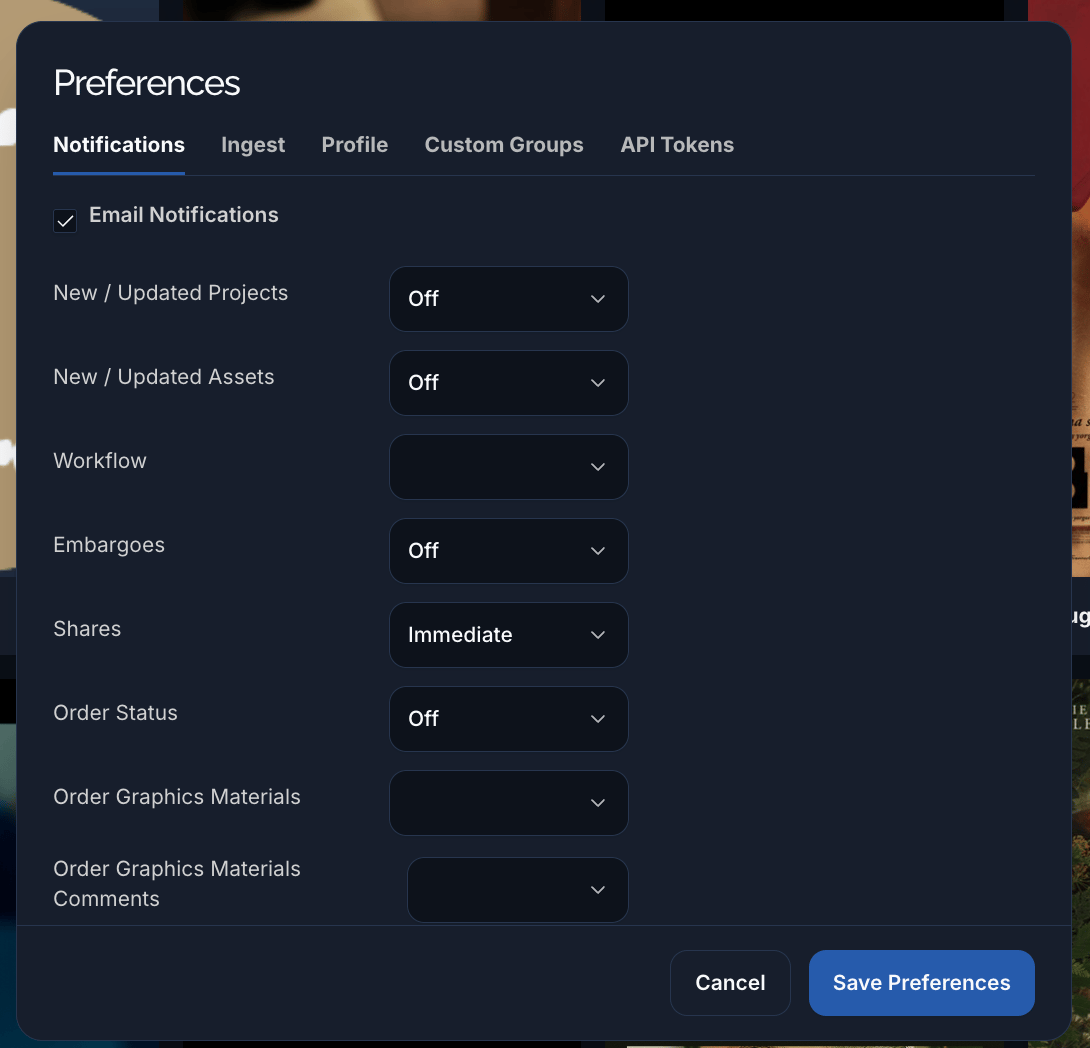
The Notifications tab: a master Email Notifications toggle, then a delivery frequency per event type.
The event types you can set:
Control which emails Pixwel sends you and how often — per event type, with the option to mute specific projects or asset types.
The Notifications tab: a master Email Notifications toggle, then a delivery frequency per event type.